
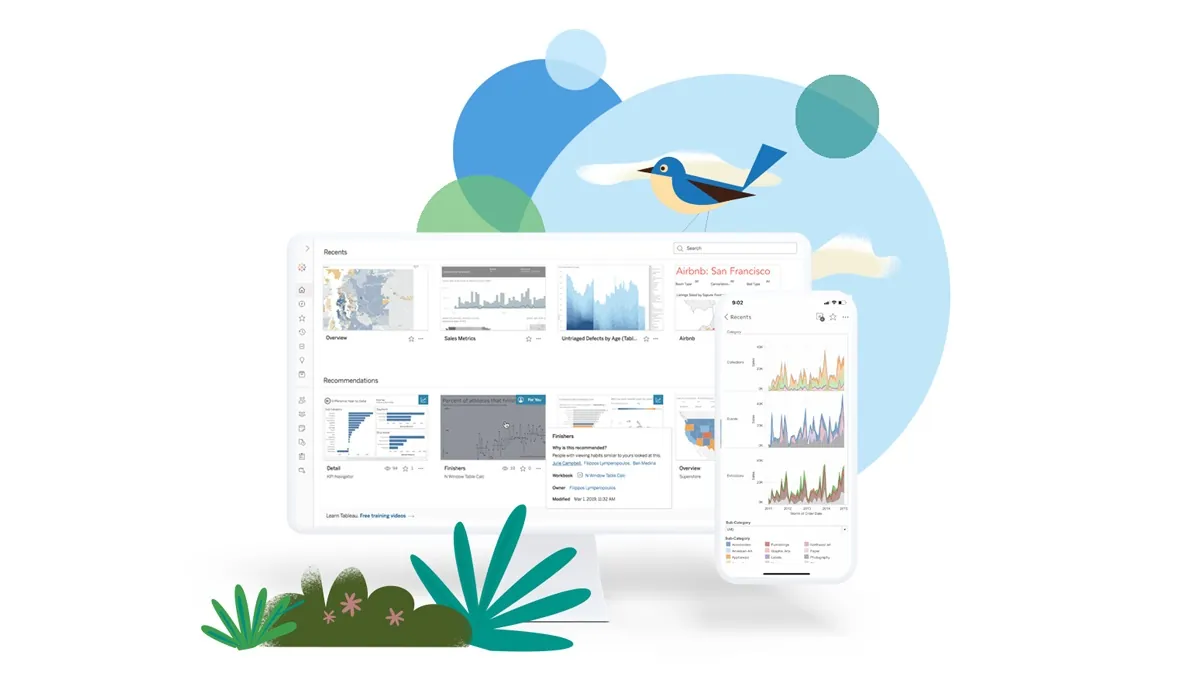
Prepare your data, create, analyze, collaborate, publish, and share in Tableau Cloud
Visualize, analyze, and share data in the cloud with Tableau Cloud. Collaborate in real time and make decisions based on trusted data.
In an increasingly data-driven world, businesses need tools that allow them not only to visualize information, but also to collaborate in real time, make decisions based on reliable data, and share insights securely and efficiently. Tableau Cloud is the ideal solution to achieve this, and in this article, we explain how it can transform the way your organization works with data.
1. Prepare your data from any source
The first step to getting value from your data is to properly prepare it. With Tableau Cloud, you can connect to multiple data sources—from Excel files and databases to cloud platforms like Google BigQuery, Snowflake, or Amazon Redshift—and cleanse or transform them without advanced technical knowledge. Thanks to Tableau Prep, you can do this entire process intuitively and visually.
2. Create powerful, interactive dashboards
Once your data is ready, you build in the browser or in Tableau Desktop with the same drag-and-drop experience: drop dimensions and measures on the canvas, let Tableau suggest the right chart, and combine views into a dashboard with filters, parameters and actions. Published data sources keep every dashboard pointing at one governed definition of each metric, so two teams never argue about which number is right.
3. Analyze intelligently
Tableau Cloud goes beyond static charts. Explain Data surfaces the likely drivers behind an outlier, Tableau Pulse monitors your key metrics and sends plain-language summaries by email, Slack or Teams, and Tableau Agent answers questions and writes calculations from a prompt in the Cloud+ and Tableau+ editions. The result is that business users find answers without waiting for an analyst, and analysts spend their time on harder questions.
4. Collaborate from anywhere
Because everything lives in the cloud, your team opens the same dashboard from the office, a store or a phone. Comments, subscriptions and data-driven alerts keep conversations next to the data instead of in email threads, and Tableau Mobile gives managers their numbers on the go. For distributed teams this removes the “which version of the file do you have” problem for good.
5. Publish and control access securely
Publishing to Tableau Cloud takes one click, and governance comes built in: projects and permissions decide who can see or edit what, row-level security filters data per user, and single sign-on connects to your identity provider. Salesforce operates the platform, so patches, upgrades and backups stop being your team’s job, which is the main reason our clients migrate from Tableau Server.
6. Share insights that drive decisions
Dashboards can be embedded in your intranet, your CRM or a customer-facing portal, and Tableau Cloud connects to Salesforce, Slack and hundreds of other sources through native connectors and APIs. Sharing the right view with the right person, at the moment a metric changes, is how analytics turns into action.
Are you ready to take your data analysis to the next level?
At EGOS BI, we help you implement Tableau Cloud strategically, integrating your data sources, training your teams, and creating dashboards tailored to your needs. See our analytics and decision intelligence service for how we scope that work, and What is Tableau Embedded Analytics? if you plan to share dashboards with customers or partners.
Would you like to see how Tableau Cloud fits your business? Request a personalized demo with our team.
Más en Data Integration
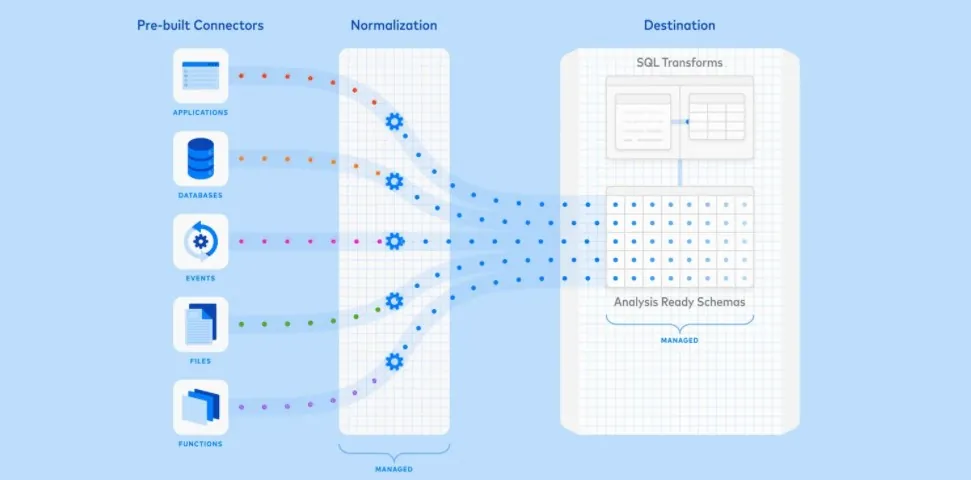
The Role of Automation in the Modern Data Stack
Automation is transforming data management by reducing manual work and ensuring data reliability. Tools like Fivetran, dbt, and Snowflake are essential for accelerating analytics.

4 Reasons Why Data Management Drives Business Success
Would you like your company to have all its information at your fingertips and save resources? Data management can help you achieve this!

Data science vs. data analytics: What's the difference?
Big data encompasses several concepts with distinct objectives, such as data science and data analysis. We'll tell you more about each!
¿Te resultó útil?
Agenda una discovery call de 30 minutos para hablar de cómo aplicar esto en tu organización.
Agenda discovery call
¿Qué tan AI-ready
está tu data hoy?
Agenda una sesión de 30 minutos con uno de nuestros consultores senior. Salimos con un diagnóstico inicial y un siguiente paso claro.